
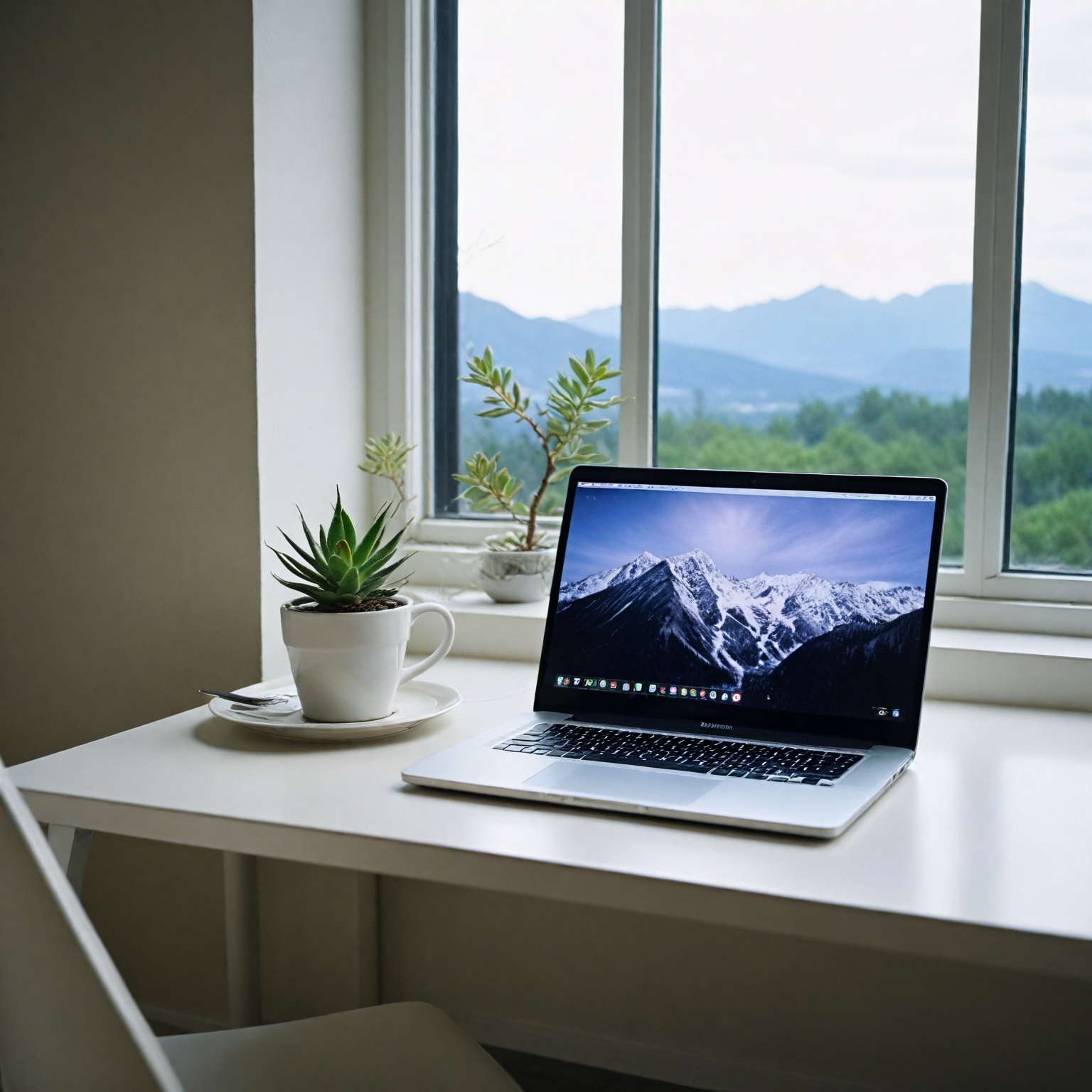
Remote Interview Setup: Lighting, Audio, and Background That Actually Help
Your tech setup sends a signal. Here's how to set up a video interview that doesn't distract from your answers.

You can give the best answers of your life in a video interview, and still walk away with a no, because the interviewer spent the whole call squinting at a dark blob with bad audio. That’s the part of remote interviewing that no one really tells you about. Your tech setup is part of the interview. It tells the hiring team something about how seriously you take this, how prepared you are, and whether you’re going to be a hassle to work with on a daily basis.
I’m not saying you need a podcast studio. You don’t. But you do need to clear a low bar that most candidates somehow trip over. The good news is this stuff is mostly cheap, mostly one-time, and once you get it right you can reuse the same setup for years of interviews, client calls, and internal meetings at your next job. Let’s walk through what actually matters and what doesn’t.
Camera: Built-In Versus External, And Where To Put It
Start with what you have. The webcam built into a laptop made in the last three or four years is usually fine. It’s not great, but it’s fine. The problem isn’t usually the camera itself, it’s the angle. Your laptop sits on a desk, your camera points up your nose, and now the interviewer is staring at your ceiling and getting an unflattering view of your chin.
Fix the angle first, before you spend a dollar. Stack books under your laptop until the camera is at eye level. Seriously, that’s it. A stack of textbooks or a shoebox can do what a $200 monitor arm does. Your eyes should be roughly level with the lens, and the lens should be about an arm’s length away from your face. Closer than that and you fill the frame in a weird, looming way. Farther than that and you look small and disconnected.
If you want to upgrade, the Logitech C920 has been the default external webcam for a decade for good reason. It’s around $60-80, plugs in with USB, and gives you sharper image and better low-light performance than most built-in cameras. The newer Logitech Brio is nicer but probably overkill for interviews. Don’t bother with anything fancier unless you’re also planning to stream or record video for work.
One more thing about framing. You want your head and shoulders in the shot, with a small amount of space above your head. Not a huge gap of ceiling. Not your forehead cropped off. Center yourself horizontally, or sit slightly off-center if your background looks better that way. Look at the preview before the call starts and adjust.
Lighting: Natural Light Wins, Ring Lights Are Backup
Lighting is where most home setups fall apart. The single most common mistake is sitting with a window behind you. Your camera meters for the bright window, your face goes dark, and you become a silhouette. Don’t do this. Ever.
The fix is simple. Put the light source in front of you, not behind. A window facing you, during daylight hours, is the cheapest and best lighting you’ll ever get. Soft, even, flattering. If you’ve got a window in front of your desk, you’re already winning.
If you don’t have great natural light, or you’re interviewing in the evening, a ring light is the next move. The $80-120 range is the sweet spot. Brands like Neewer, Lume Cube, and Elgato all make solid ones with adjustable color temperature and brightness. You don’t need the influencer-grade $300 lights. You need something that mounts behind your monitor or on a small stand and shines softly at your face.
Two quick lighting rules that’ll save you:
- Match your light’s color temperature to your room. Warm light (around 3000K) feels cozy, cool light (around 5000K) feels clinical. Don’t mix them or your face will look strange.
- Diffuse harsh light. If you’ve got a lamp pointing right at you, throw a thin white sheet or a piece of parchment paper in front of it. It softens the shadows and makes you look human instead of interrogated.
Avoid overhead lighting as your only source. Ceiling lights cast shadows under your eyes and make you look tired no matter how rested you are. If overhead is all you’ve got, add a desk lamp pointing at your face from the front to fill in the shadows.
Audio: This Is The One Most People Get Wrong
Here’s the thing about audio. People will forgive a slightly grainy video. They will not forgive bad audio. Bad audio is exhausting to listen to, it makes you sound less confident, and after twenty minutes of fighting through it the interviewer is annoyed without even knowing why.
Built-in laptop mics are the worst part of any setup. They pick up keyboard clicks, room echo, your fridge, the neighbor’s dog, and they make your voice sound thin and far away. If you upgrade nothing else, upgrade your microphone.
Under $100 you’ve got real options. The Blue Yeti Nano is around $80-100 and sounds great straight out of the box. It’s a USB mic, plug and play, and it’s small enough to sit on your desk without dominating the shot. The Samson Q2U is another solid pick around $70 if you want something more rugged. If you want to look like a professional broadcaster, the Shure SM58 paired with a USB audio interface is the gold standard, but that’s more setup than most people need for interviews.
If you’re in a pinch and you can’t get a real mic before the call, AirPods Pro or any decent wired earbuds with a built-in mic will sound dramatically better than your laptop’s mic. The mic gets closer to your mouth, which is most of the battle. It’s not ideal, it’s not pretty, but it works for an emergency. Mention nothing about it. The interviewer won’t care if they can hear you clearly.
Test your audio. Record yourself answering “tell me about yourself” for ninety seconds and play it back. If you sound underwater, distant, or echoey, fix it before the call. Soft surfaces in your room (rugs, curtains, a hung blanket on the wall behind you) kill echo fast and cost nothing.
Background: Real Space Versus Virtual
Your background is a billboard. It’s telling the interviewer something about you whether you want it to or not. The goal is “uncluttered and slightly intentional,” not “magazine spread.” A clean wall, a bookshelf, a plant, a piece of art. That’s it.
What kills your background:
- Unmade beds, piles of laundry, dirty dishes in the corner of the frame
- Roommates or family walking through the shot
- Bright distracting posters or political signage
- Anything that’s going to make the interviewer think “I wonder what’s going on over there”
If your real space is genuinely distracting and you can’t fix it, a clean virtual background is fine. Zoom, Teams, and Google Meet all support them. Pick something simple. A blurred office, a soft neutral color, a basic bookshelf. Avoid the animated beach scenes, the cartoon spaceships, and the corporate logos that aren’t yours. Don’t use a virtual background that glitches every time you move your hands. That’s worse than the messy room would’ve been.
Background blur, where the camera keeps you sharp and softens what’s behind you, is often the best of both worlds. It hides clutter without making you look like you’re floating in front of a green screen. Most modern video apps do this well now.
Internet, Backup Plans, And The Stuff That Breaks
Wired beats wireless every time. If you can plug into ethernet for the interview, do it. Wifi is fine until it isn’t, and you don’t want to find out it isn’t ten minutes into a panel round. If you can’t go wired, sit as close to your router as you can and ask everyone in the house to stay off Netflix during the call.
Run a speed test the morning of. You want at least 5 Mbps up and 10 Mbps down for clean video. Most home connections clear that easily. If yours doesn’t, restart the router an hour before the call.
Now build a backup plan. If your video freezes, you should know exactly what to do in the next thirty seconds. My rule: have your phone on the table with the meeting link already open, on silent, with the camera and mic ready to go. If the laptop dies, you switch to phone in under a minute and apologize once. Have the recruiter’s phone number written down somewhere physical so you can text or call if everything dies. Most interviewers are more impressed by a calm recovery than they would’ve been by a perfect call.
Day-Of Checks: A Five-Minute Routine
Twenty minutes before the call, run through this list. It saves you every time.
- Restart your laptop. Yes, really. It clears whatever weird thing was hogging your microphone.
- Close everything you don’t need. Slack, email, browser tabs with notifications. Mute everything.
- Test your camera and mic in the actual app you’ll use. Zoom’s test isn’t the same as Teams’ test.
- Check the lighting from where you’ll sit, not from where you set it up.
- Have water within reach. Out of frame. In a glass, not a giant labeled bottle.
Use the bathroom. Drink some water. Glance at your notes one more time. Then sit down two minutes early and breathe.
What Interviewers Actually Notice
Interviewers aren’t grading your equipment. They’re noticing whether you’re easy to talk to. The setup matters because it removes friction, not because it impresses anyone. Nobody’s going to hire you because of your ring light. They might pass on you because they couldn’t hear half of what you said.
Eye contact is the underrated piece. Look at the camera lens, not the interviewer’s face on your screen, when you’re making your most important points. It feels weird. It looks great on their end. They’ll feel like you’re really talking to them, which is half of why people get hired in the first place.
If this is your first round, you might also be thinking about phone screens or what to expect if it’s a panel interview. The setup advice here applies to both. And once the interview’s done, get your thank-you email out within a day. If you’re still working on what to actually say when the call starts, our guide on “tell me about yourself” is a good place to start.
The goal of all this isn’t to look like a TV anchor. It’s to get out of your own way. When the tech disappears, your answers can do the work they’re supposed to do. That’s the whole point.
Frequently asked questions
Do I need a ring light for video interviews?▼
Not required but helpful. Natural light from a window in front of you works too. The enemy is backlight: windows or lamps behind you.
Is a virtual background okay?▼
Clean virtual backgrounds are fine if your actual space is distracting. Avoid fancy animated backgrounds or ones that glitch when you move.
What's the best camera angle?▼
Camera at eye level, one arm's length away. Looking up to your camera makes you look small; looking down is unflattering and reads as disengaged.
Related guides
Phone Screen Interviews: What Recruiters Actually Want to Hear
The 20-30 minute call that gates every interview after. Here's how to prep and what mistakes knock candidates out.
Panel Interviews: How to Handle 3-5 Interviewers at Once
Panel interviews feel like being outnumbered. Here's how to manage attention, read the room, and not lose track of who asked what.
Thank-You Email After Interview: Templates That Actually Work
Thank-you emails aren't a formality. Done right, they sway close calls. Done badly, they read as generic. Here's the right way.
How to Answer 'Tell Me About Yourself' (With 5 Real Examples)
The interview opener trips up most candidates. Here's a 60-second framework that works across industries and seniority levels.